Cloud imaging workflow platform

The cloud PACS that streamlines your entire imaging workflow

Connect every step of your cloud imaging workflow in a single platform, from the moment an image is captured to when a final report lands in your EHR.  

doctor scanning knee
How Studycast helps

Say goodbye to software that slows you down

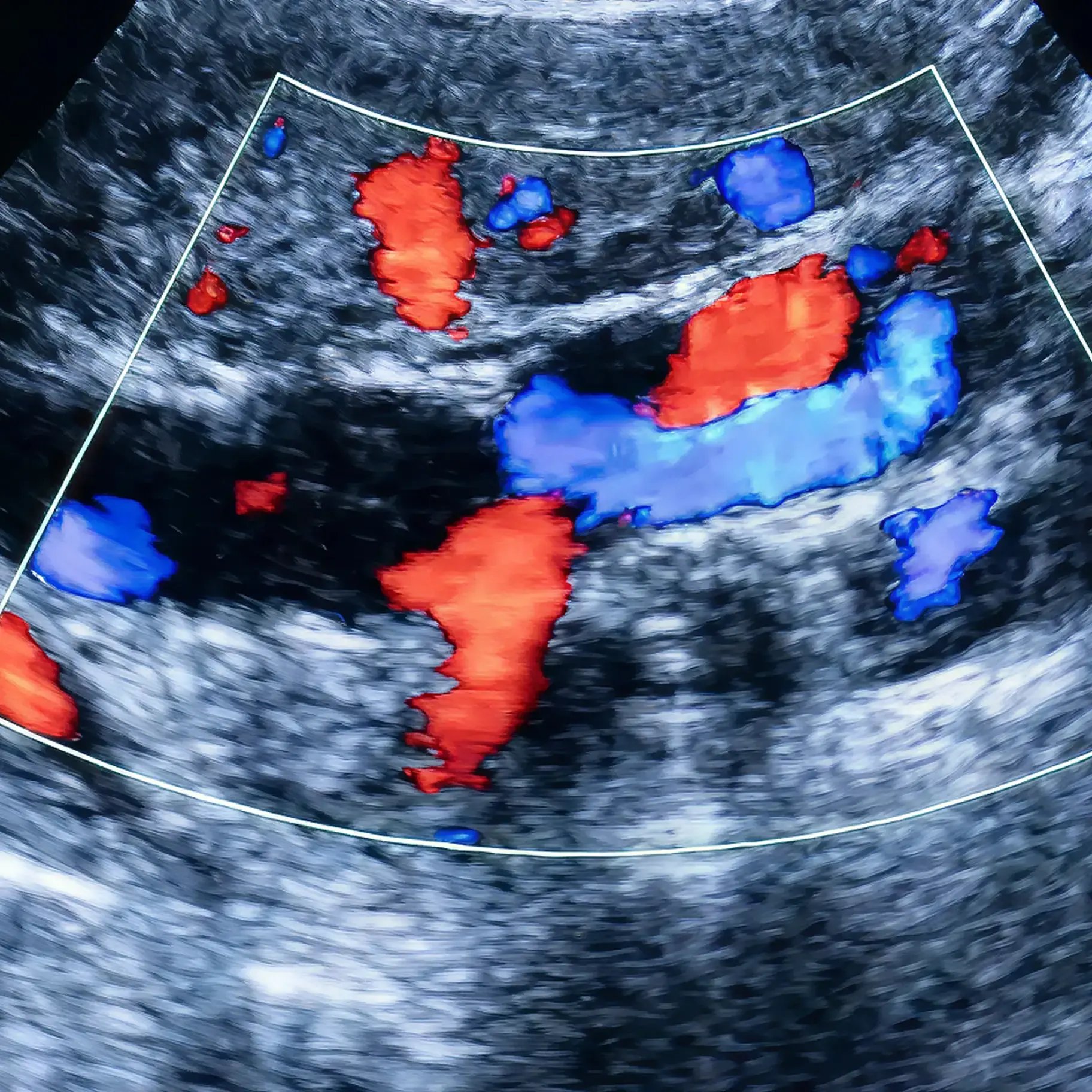
Manually entering data from the modality into a report takes time and introduces errors that can increase denials and delay reimbursements. Studycast's worksheets auto-populate measurements taken on the cart for compatible study types, so your data is already there when you need it—no transcribing, no manual entry.
scan
Workflows

How a study moves through your workflow—from scheduling to storage

Schedule

Through our bidirectional EHR interface, patient worklists pull automatically from your EHR into Studycast and onto your modalities. By the time the patient arrives at their scan, their name, demographics, and order details are already waiting on the machine.

  • No manual re-entry of patient information
  • Reduced risk of mismatched records downstream
Document

As soon as the scan is complete, images upload automatically to Studycast and load in seconds. Your technologist opens the worksheet, adds clinical notes, and for compatible study types, finds the measurements already populated from the modality.

  • Auto-calculated fields handle values like Z-scores and BSA indexing
  • Abnormal values are flagged upon entry
  • The study is documented and ready for physician review
Review & approve

The physician accesses the study from wherever they are and reviews images, findings, and worksheets in one place. Pre-populated fields and auto-calculated values mean the heavy lifting is already done.

  • For a normal study, the physician confirms and approves in as little as two clicks
Report & deliver

The moment a report is approved, it routes directly to your EHR. No one has to print it, upload it, or chase it down. The referring provider gets results faster, and your team moves straight to the next patient.

  • Send studies to patients or colleagues for a second opinion via HIPAA-compliant email or SMS
  • No CDs, no file transfers, no third-party software
Store & access

Every image is stored securely in the cloud for as long as you need it—whether that's the seven-year minimum for adult patients or longer for pediatric records. Your team can pull up any study from any location, on any device, without digging through archives or requesting files from another site.

  • Role-based permissions control exactly who sees what

  • HIPAA-compliant infrastructure keeps your data protected at every step
  • Easily access and compare priors, and create cases that package all previous studies so you can view them together

What you can do with Studycast

Every capability in Studycast works together as part of a single connected platform. Less time switching between tools, more time focused on patients. 

globe and computer-icon

Review studies from anywhere, in seconds

Open studies in any browser, on any device, and compare current and prior results side by side.


document and signature on screen-icon

Document findings and generate reports in fewer steps

See your measurements auto-populate and generate your final report through more than 130 specialty-specific worksheets. 

cog and checkboxes-icon

Keep studies moving without chasing anyone down

Get notified when studies are ready for review and see urgent cases color-coded with timed alerts.


cloud and puzzle piece-icon

Send and receive data from your EHR automatically

Pull your patient worklists from your EHR into Studycast and push completed reports with any EMR system. 


document and plus-icon

Share studies with patients and providers, securely

Send your imaging studies to patients or referring physicians via SMS or email, fully HIPAA-compliant.


person and graph on screen-icon

Check findings against clinical guidelines before you finalize

Identify normal and abnormal findings against clinical guidelines before the report is finalized.


Imaging workflows built for your role, specialty, and care setting

No two imaging workflows look the same. That's why Studycast supports teams across roles,
specialties, and practice types 

Roles

Built for every role in your imaging workflow.

doctor coat-icon

Physicians

sonograph-icon

Sonographers & technologists

admin-icon

Administrators

person computer-icon

IT

Specialties

Designed for your specialty's unique workflow.

cardiology-icon

Cardiology

heart pulse-icon

Vascular

heart monitor-icon

Women's health

family and plus-icon

Point-of-care

tooth and cat-icon

Veterinary

Settings

Scaled to fit your practice, wherever you operate.

doctor coat-icon

Private practices

hospital-icon

Office-based labs and ambulatory surgery centers

tall hospital building-icon

Multi-location, enterprise, MSOs, and hospitals

Any EHR. Any device.

Studycast interfaces with any EHR and any imaging device, regardless of manufacturer. Worklists pull in. Reports push back. The data flows both ways⁠—no manual reconciliation, no vendor lock-in.
someone pointing at scan with pen

Book a demo built around your practice

The best way to understand how Studycast works is to see it in action.