Women’s Health

Ultrasound workflow software for OB/GYN, MFM, and women’s health imaging
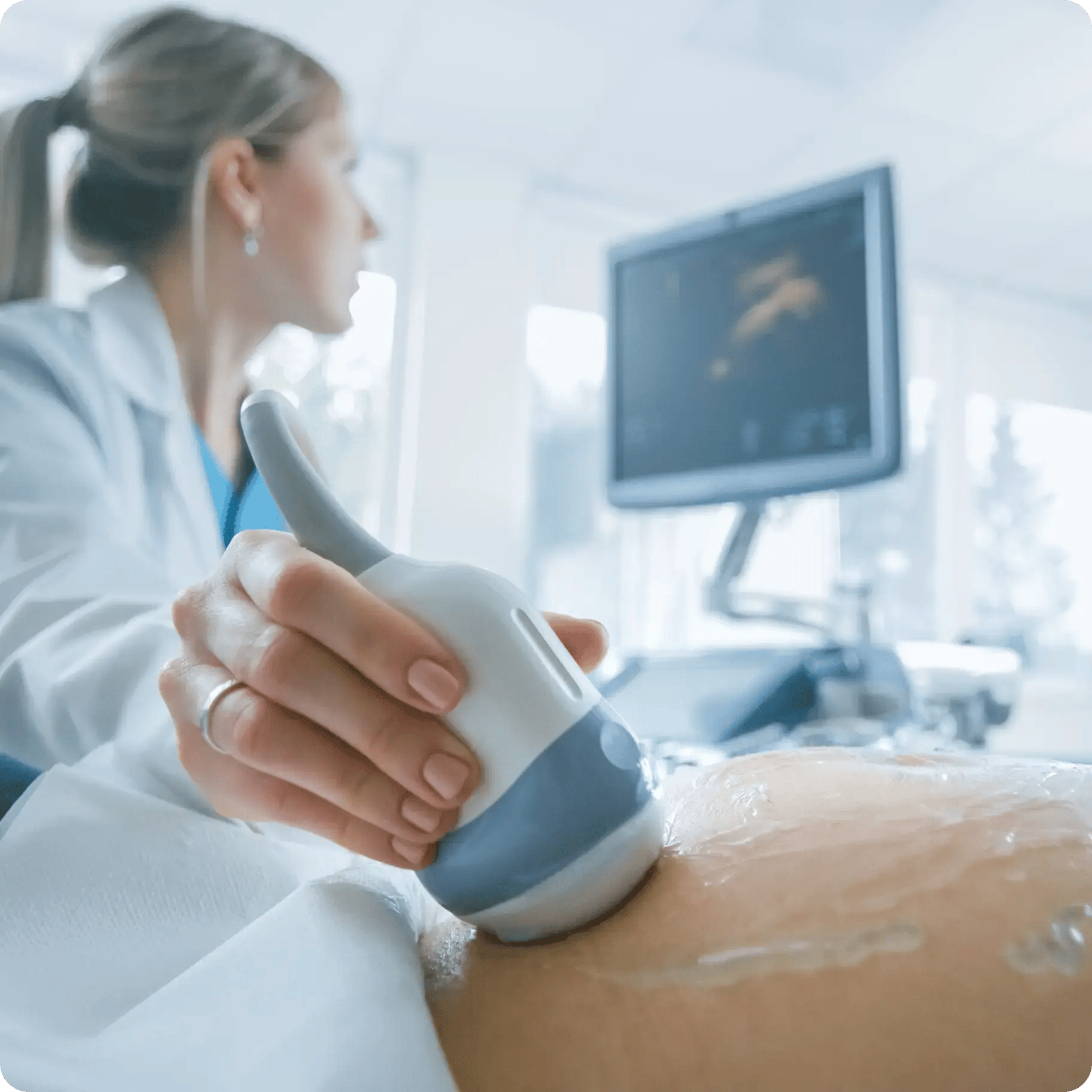
  • Structured worksheets for OB/GYN and MFM with measurements auto-populated from the modality.
  • Auto-populated gestational age, biometric percentiles, and prior-comparison views.
  • Instantly share high-resolution images with patients.
Doctor-performting-ultrasound

The challenges most PACS systems weren’t designed for

Women’s health imaging needs to balance clinical rigor with timely, compassionate communication⁠—and most PACS weren’t built for either.
Automated-teamwork-icon

OB/GYN referral and report loop

OB/GYN providers need timely access to study results, and patients often call the office for results before the report is signed, creating communication gaps that diminish the patient experience.
Data-on-screen-icon

Structured reporting consistency

Inconsistent language and follow-up recommendations across interpreters create medicolegal risk. Studycast’s structured templates fix that.

sonograph-icon-2

Prior comparisons across pregnancies and visits

OB studies build a picture across an entire pregnancy. Studycast lets you view prior images and trended biometrics—all in a single interface.

People-talking-icon

Patient experience

A positive experience is critical to patient retention. Ensuring patients receive their results fast and can access their images easily is critical to building trust and a lasting connection. 

How Studycast supports women’s health imaging

Studycast supports the full women’s health imaging workflow, from scheduling to signed report to patient share.

Scheduling

Scheduling and eligibility verification

Staff create the patient encounter and verify insurance ahead of the appointment. Demographics flow into the modality through Studycast’s bidirectional EMR interface.

Study acquisition

Study acquisition and image upload

Ultrasound, mammogram, or MRI images push to Studycast via DICOM. For women’s imaging, prior comparisons are available alongside recent images.

Reporting

Structured reporting

The reading physician uses built-in structured templates that guide required measurements and observations, supporting consistent language and follow-up recommendations.

Tracking

OB measurement and growth tracking

For OB studies, gestational age, biometric percentiles, and prior measurement comparisons populate automatically.

Signed reports

Report sign and auto-distribution

Signed reports route automatically to the ordering OB/GYN. Patients receive selected images directly via secure SMS or email to keep and share with family.

What our customers say

What women’s health practices get from Studycast

Faster OB/GYN communication

Signed reports reach the ordering provider the moment they’re finalizedsupporting timely patient communications.

Longitudinal OB data at a glance

Growth measurements across a pregnancy are trended and visualized, supporting quick clinical assessment at every visit.

A better patient experience

Patients leave with high-resolution digital images they can keep, share, and revisit.

Consistent structured reporting

Built-in templates standardize language and follow-up recommendations across readers, reducing medicolegal risk.

More appointments, less time on documentation

Biometric measurements populate from the modality automatically. Sonographers spend less time on the worksheet and more time with the patient—and finish the day on time.

Specialty-fit workflows

Worksheets are built for OB, MFM, and women’s imagingnot borrowed from generic templates that miss the specifics.

Explore by role

Women’s health imaging spans obstetricians, sonographers, MFM specialists, administrators, and IT. Each role has its own view in Studycast.

Roles

doctor coat-icon

Physicians

sonograph-icon

Technologists

admin-icon

Administrators

person computer-icon

IT

The metrics behind the workflow

2.4 min

average study approval time

140+

study-specific worksheets

Instant

image sharing to patients
Instant-Image-sharing-graphic-3

See how Studycast works for women’s health

See how the OB worksheet, priors comparison, and patient image sharing works in a live demo.